
From Prompt to Production: 12 Checks Before You Ship an AI-Built Website
Generating the website is the AI's job. Making it reliable is yours. A 12-point AI website production checklist covering intent, mobile, forms, SEO, performance
Aayush4 min read
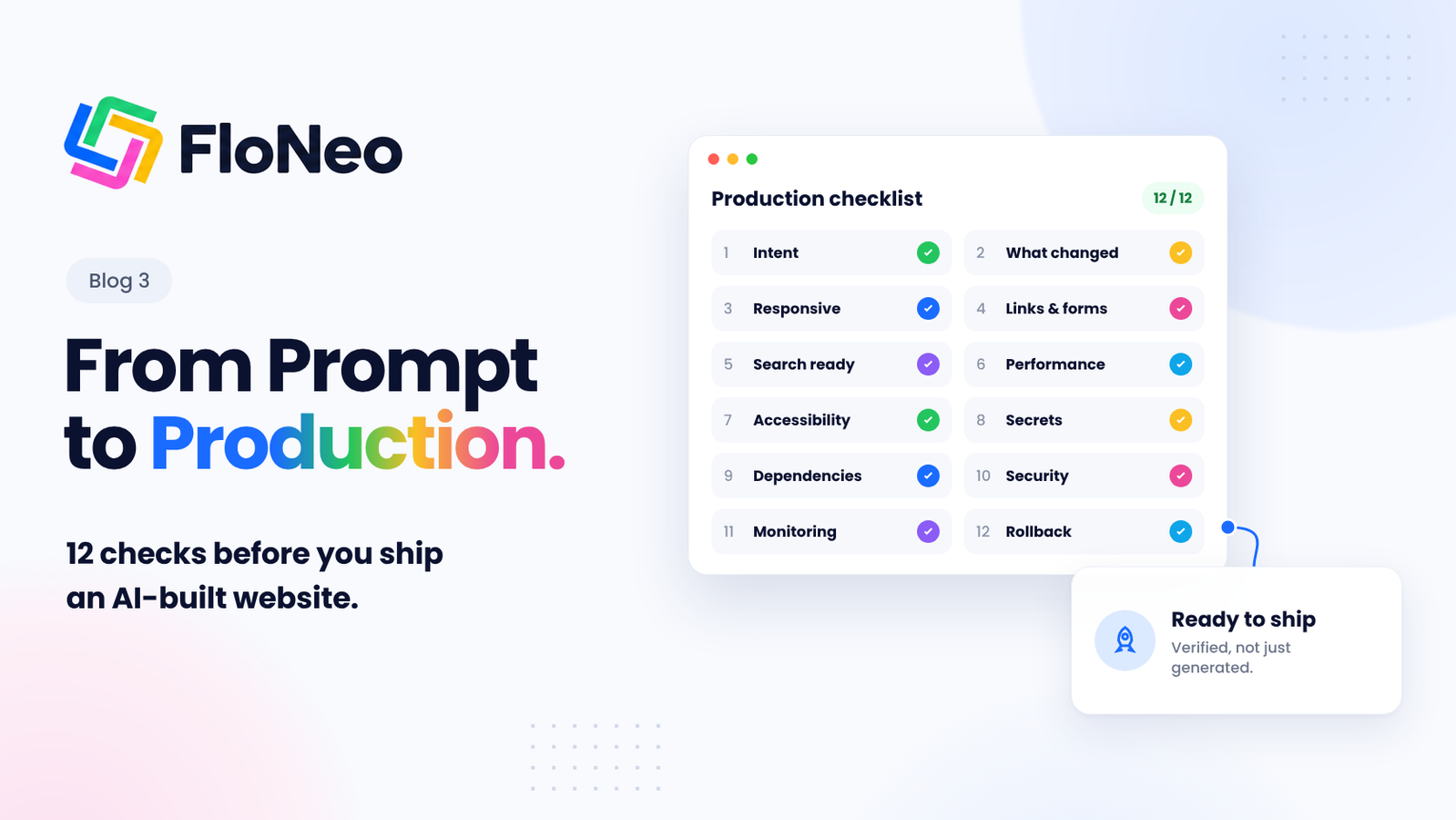
Generating the website is the AI's job. Making it reliable is yours. Here are the 12 checks to run before you go live.
Part 3 of 3 - The Production Checklist
This week's series argued that AI output needs verifying. This post shows how: a 12-point checklist from original intent to rollback.
Generating a website using AI and making it reliable are two different things. All through this week, we've talked about the importance of verifying your AI generated website with an aim to build a fully reliable output. Today, we will tell you how to actually do that. This blog is essentially an AI website production checklist. We discuss the 12 key points to consider before getting your AI-generated website live.
The success of an AI-generated website isn't how beautiful it looks. It's how efficiently it functions. Generating the website is the AI's job. Optimising it is yours. Optimise it for readability, layouts on different devices, Google's SEO guidelines and various other essentials. Without further ado, here are the 12 checks that will help you achieve exactly that.
| Check | The question it answers |
|---|---|
| 1. Original intent | Does it still solve the right problem? |
| 2. What changed | Did a change affect more than you meant? |
| 3. Responsive behaviour | Does it work on phone, tablet and desktop? |
| 4. Links and forms | Does everything actually work? |
| 5. Search readiness | Can search engines access and understand it? |
| 6. Performance | Is it fast and stable? |
| 7. Accessibility | Can everyone use it? |
| 8. Secrets and credentials | Is anything private exposed? |
| 9. Dependencies | Is every package needed and safe? |
| 10. Security boundaries | Are data and actions properly protected? |
| 11. Monitoring | Will you know when something breaks? |
| 12. Rollback and ownership | Can you undo and keep improving it? |
1. Verify the Original Intent
Does the finished website still solve the problem you started with? AI can produce polished layouts while missing the actual objective. A portfolio should make your work easy to discover. A business website should explain its offering and help visitors take action.
Before publishing, check that:
- The content speaks to your intended audience.
- The primary call to action is clear.
- Every important section serves a purpose.
- The final result matches your original requirements.
A visually impressive website is not successful if it solves the wrong problem.
2. Understand What Changed
Every new AI instruction can affect more than the element you intended to modify. A change to a shared component, for example, might affect multiple pages. After making a change, verify what was modified and whether anything else was affected.
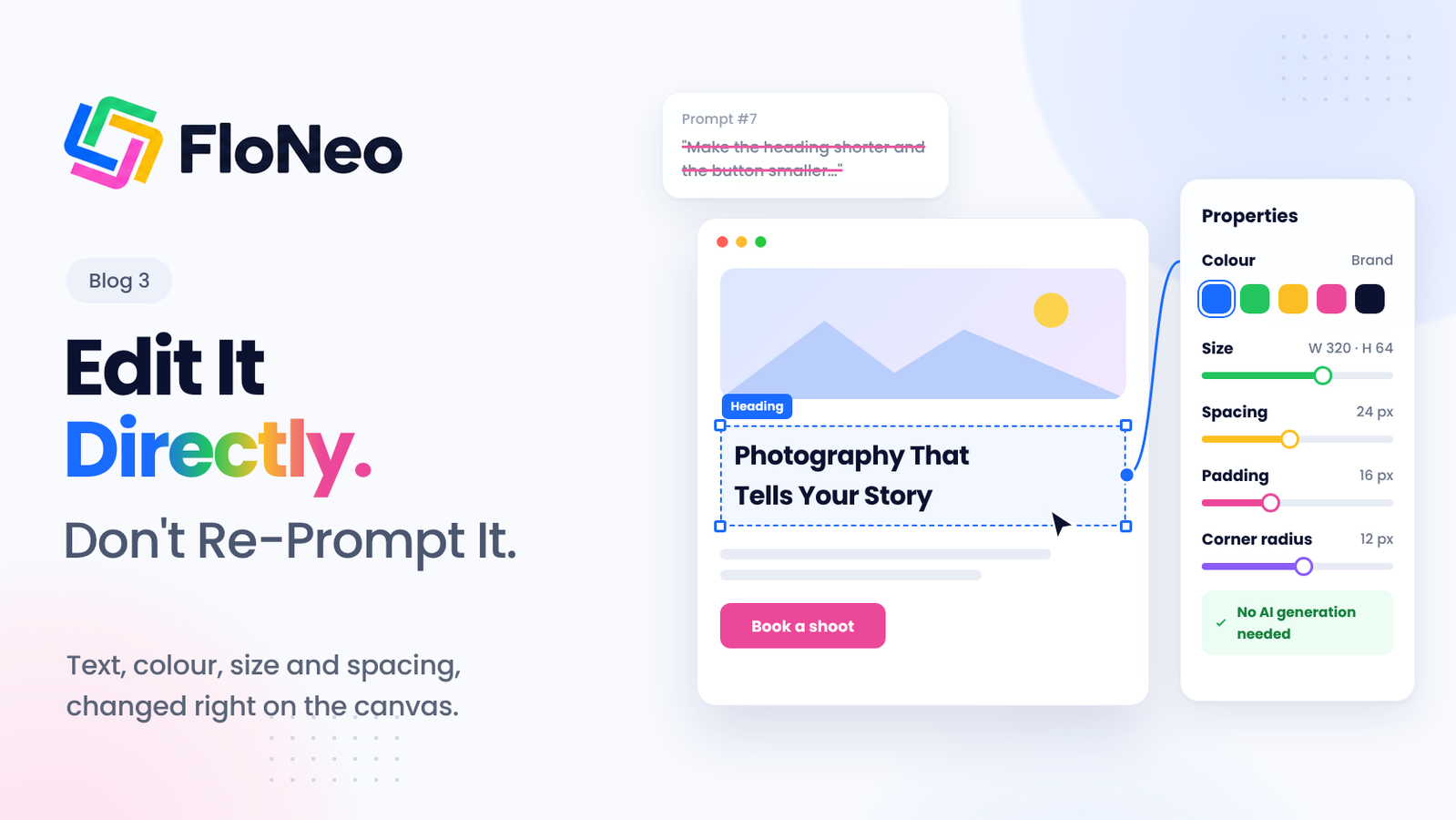
A useful rule: Make known changes directly; use AI when the task genuinely requires reasoning. This is exceptionally handy with Floneo. [1]
Changing a heading's colour should not require regenerating an entire page. Restructuring navigation across multiple pages may require broader reasoning and planning.
The smaller and more understandable the change, the easier it is to verify.
3. Test Responsive Behaviour
Your visitors will not all use the same device. A layout that works on desktop might become cramped, misaligned or difficult to navigate on a phone. Check your website on mobile, tablet and desktop. Pay particular attention to:
- Text readability and heading sizes.
- Images that overflow their containers.
- Navigation menus and mobile layouts.
- Buttons and links that are easy to tap.
- Forms that remain usable on smaller screens.
Do not rely exclusively on a builder's preview. Test the published website wherever possible.
4. Test Every Link and Form
A website's functionality cannot be judged by appearance alone. Click every navigation item, test external links and submit each form. Check whether required fields are validated and whether users receive clear confirmation or error messages.
For forms, verify that submissions actually reach the intended destination. A success message is not proof that an email was delivered or that information was saved correctly.
A success message is not proof that a form works.
5. Check Search Readiness
An attractive website may still struggle to appear in search results if search engines cannot access or understand its pages. Use this part of your AI website production checklist to verify: [2]
- Appropriate page titles and meta descriptions.
- A logical heading hierarchy.
- Crawlable links and correct HTTP status codes.
- Canonical URLs where needed.
- A valid sitemap and appropriate robots directives.
- Correct indexing settings, including noindex where intended.
- Useful, original content that addresses visitors' needs.
Remember that being eligible for indexing does not guarantee rankings. Search visibility also depends on content quality, competition and other factors.
6. Check Performance
Slow websites frustrate visitors and can undermine the experience you worked to create. Review image sizes, unnecessary scripts, font loading and layout shifts. Test the first-load experience, not just how quickly a page loads after it has already been opened.
Google's Core Web Vitals provide useful reference points: [3]
| Metric | Good performance target |
|---|---|
| Largest Contentful Paint (LCP) | 2.5 seconds or less |
| Interaction to Next Paint (INP) | 200 milliseconds or less |
| Cumulative Layout Shift (CLS) | 0.1 or less |
These thresholds help assess loading, responsiveness and visual stability. Use real-user data when available, alongside laboratory tests.
7. Review Accessibility
A website should be usable by people with different abilities and ways of navigating. Check whether you can move through the website using only a keyboard. Ensure form fields have meaningful labels, text has sufficient contrast, images have appropriate alternative text, and interactive elements show visible focus states. [4]
Use semantic HTML landmarks and meaningful headings so assistive technologies can interpret the page structure.
Automated accessibility tools can identify common issues, but manual testing is still necessary.
8. Protect Secrets and Credentials
Never assume AI-generated code handles credentials safely.
Look for API keys, access tokens, passwords and other private credentials in client-side code, configuration files and repository history. Sensitive credentials should not be exposed to browser users.
Use environment variables and appropriate server-side secret management. If a credential has already been exposed, removing it from the visible code may not be enough: revoke or rotate it.
This concern is receiving increasing attention across developer tooling. In October 2026, GitHub outlined improvements to its context-aware secret classifier, designed to identify likely credentials by examining surrounding code rather than relying only on recognisable token patterns. [5]
9. Review Dependencies
AI-generated websites may introduce packages or libraries that you did not explicitly request. Review what was added, whether it is necessary, and whether any dependencies have known vulnerabilities. Remove unnecessary packages and keep essential ones updated. For websites with a codebase, dependency scanning and lockfiles can help make the software supply chain easier to inspect and maintain.
10. Check Security Boundaries
A website that collects information, manages accounts or performs sensitive actions needs more than a visual review. Verify authentication, permissions, input validation and rate limits wherever relevant. Check that users cannot access another user's information simply by changing a URL or request parameter.
Client-side validation improves usability, but sensitive checks must also be enforced on the server. Review payment flows, administrative actions and access to private data particularly carefully. Not every website needs enterprise-level security infrastructure. Every website does, however, need security appropriate to its functionality and the information it handles.
11. Prepare to Monitor the Website
Publishing is not the end of testing. Some problems appear only when real visitors begin using a website. Before launch, decide how you will monitor uptime, broken forms, errors and important user actions. Configure analytics where appropriate and verify that your tracking actually works.
This reflects a wider shift in AI development. Cursor's September 2026 introduction of Rollouts and Security Review brought deployment monitoring and contextual security reviews into its coding-agent workflow. [6]
The lesson is straightforward: generating a change is one task; understanding its effects after release is another.
12. Confirm Rollback and Ownership
Finally, ask two questions: Can you undo a bad change? And can you continue improving the website without rebuilding everything? Keep suitable backups or version history, understand how to restore a previous working version, and ensure you have access to the relevant project files, configuration and accounts.
You should also know how to update the website after launch. A useful AI website production checklist does not end at publishing; it accounts for future maintenance.
Conclusion: From AI-generated to Production-ready with Floneo
The direction of the industry is becoming clearer. Recent developments signal that the conversation is moving beyond whether AI can generate something to whether people can verify, operate and maintain what it creates. That is the real purpose of an AI website production checklist: not to slow down creation, but to make the result dependable.
At FloNeo, this principle shapes the way we think about building. AI gets you to version one. Verification gets you closer to production.
- Visual control helps you make small, known changes directly
- Ask Neo is valuable when a change requires reasoning
- Deterministic checks are useful when a rule can establish the answer.
FloNeo launches on 1 November 2026. Join the free waitlist & try it for yourself.
Previous in the Series
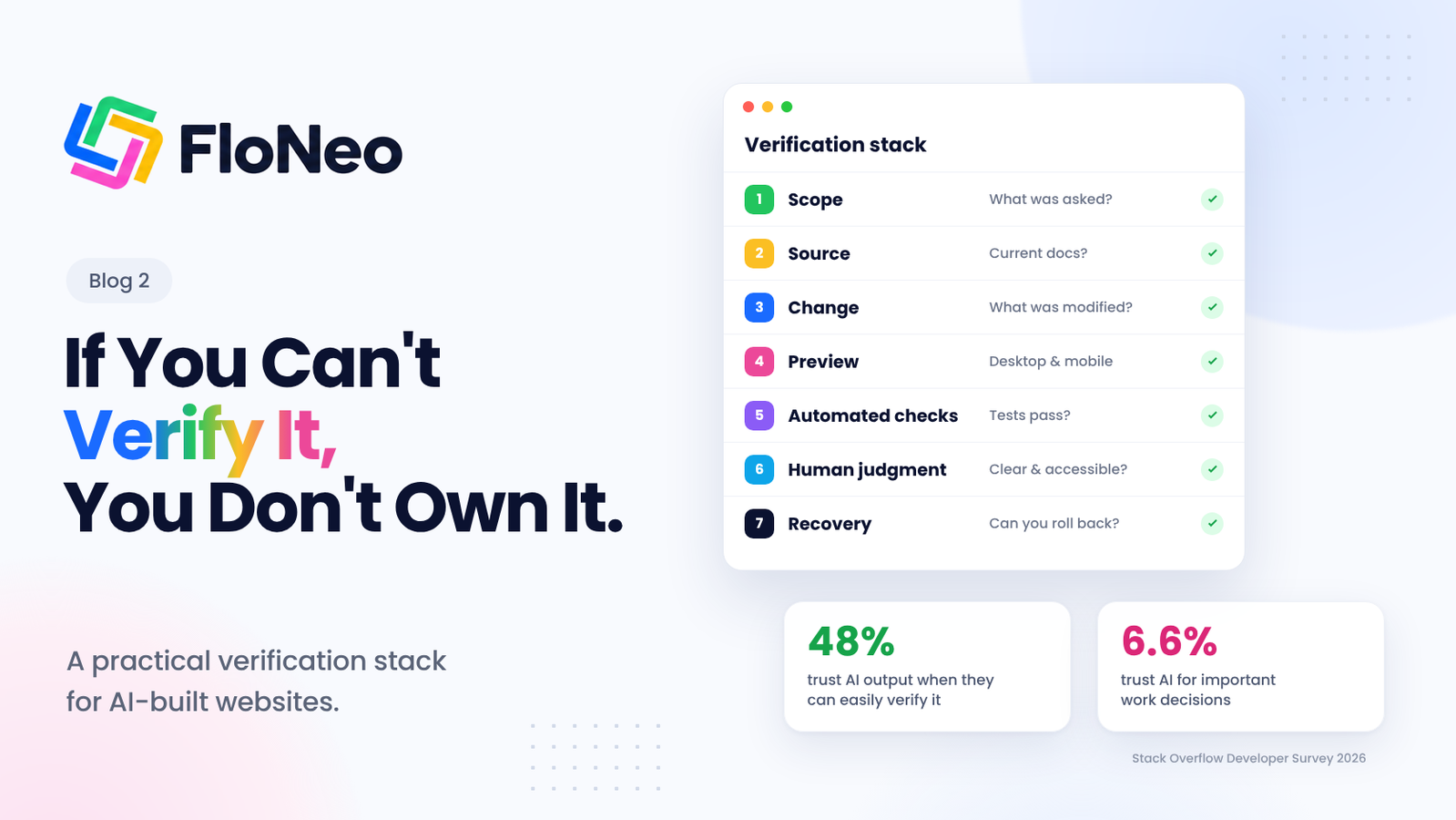
Part 2: If You Can't Verify It, You Don't Own It
Part 2 explains why trust in AI is conditional on verification, why the right context beats a longer prompt, and lays out a 7-layer verification stack for AI-built websites.
Editorial note: Replace this placeholder with the live Part 2 URL after publication.
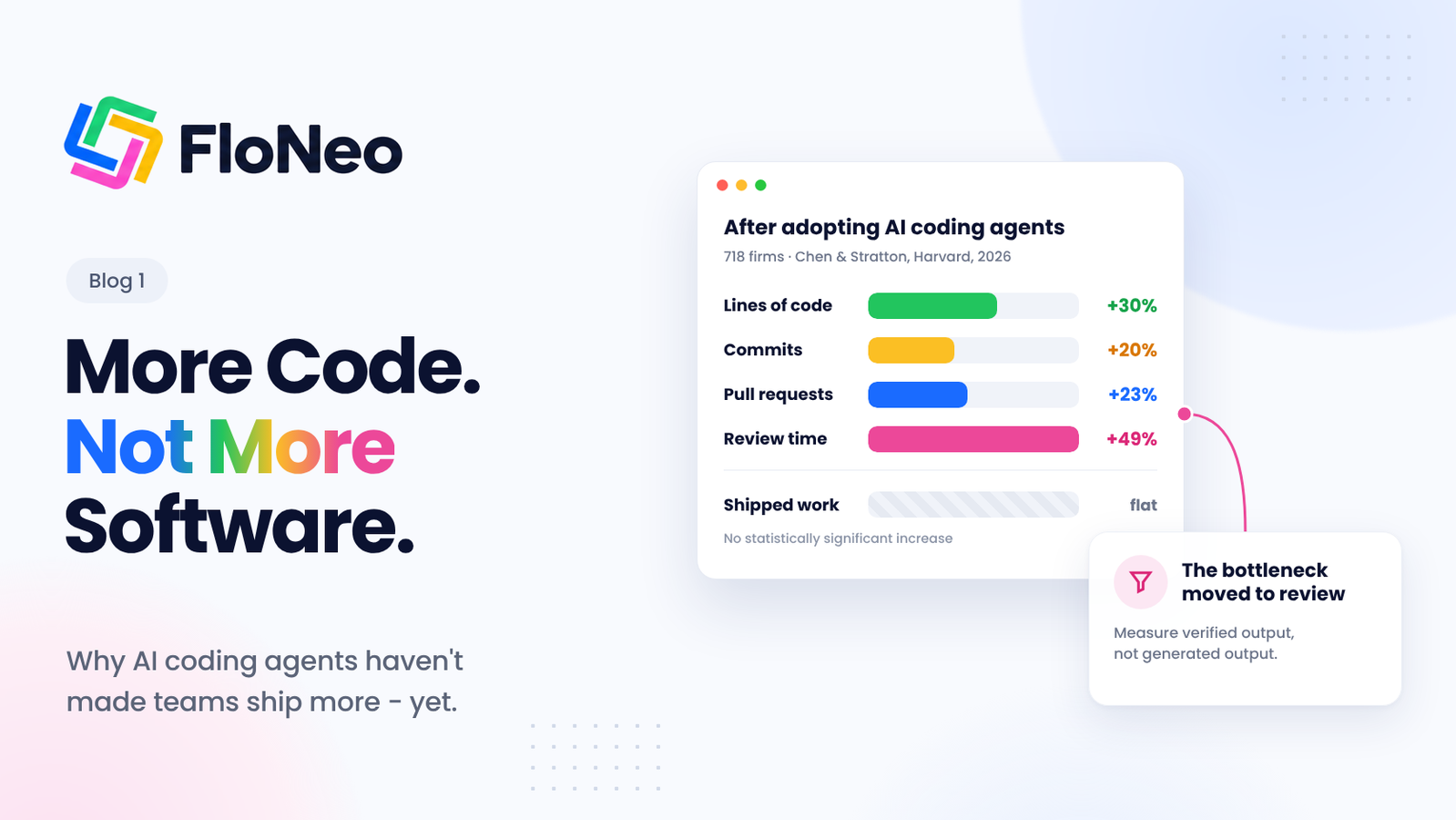
Part 1: AI Can Write More Code. Why Aren't Teams Shipping More Software?
Editorial note: Replace this placeholder with the live Part 1 URL after publication.
References
- FloNeo. FloNeo - Describe, Generate, Edit, Own.
- Google Search Central. Google Search technical requirements.
- web.dev. Web Vitals.
- W3C. Web Content Accessibility Guidelines (WCAG) overview.
- GitHub Blog. GitHub's model for secret detection: Finding more secrets with less noise (13 October 2026).
- Cursor. Rollouts and Security Reviewer (23 September 2026).
- FloNeo. How to Edit an AI-Generated Website Without Re-Prompting with Floneo.