
How to Build a Website With AI Without Burning Through Credits (Sample Prompt Included)
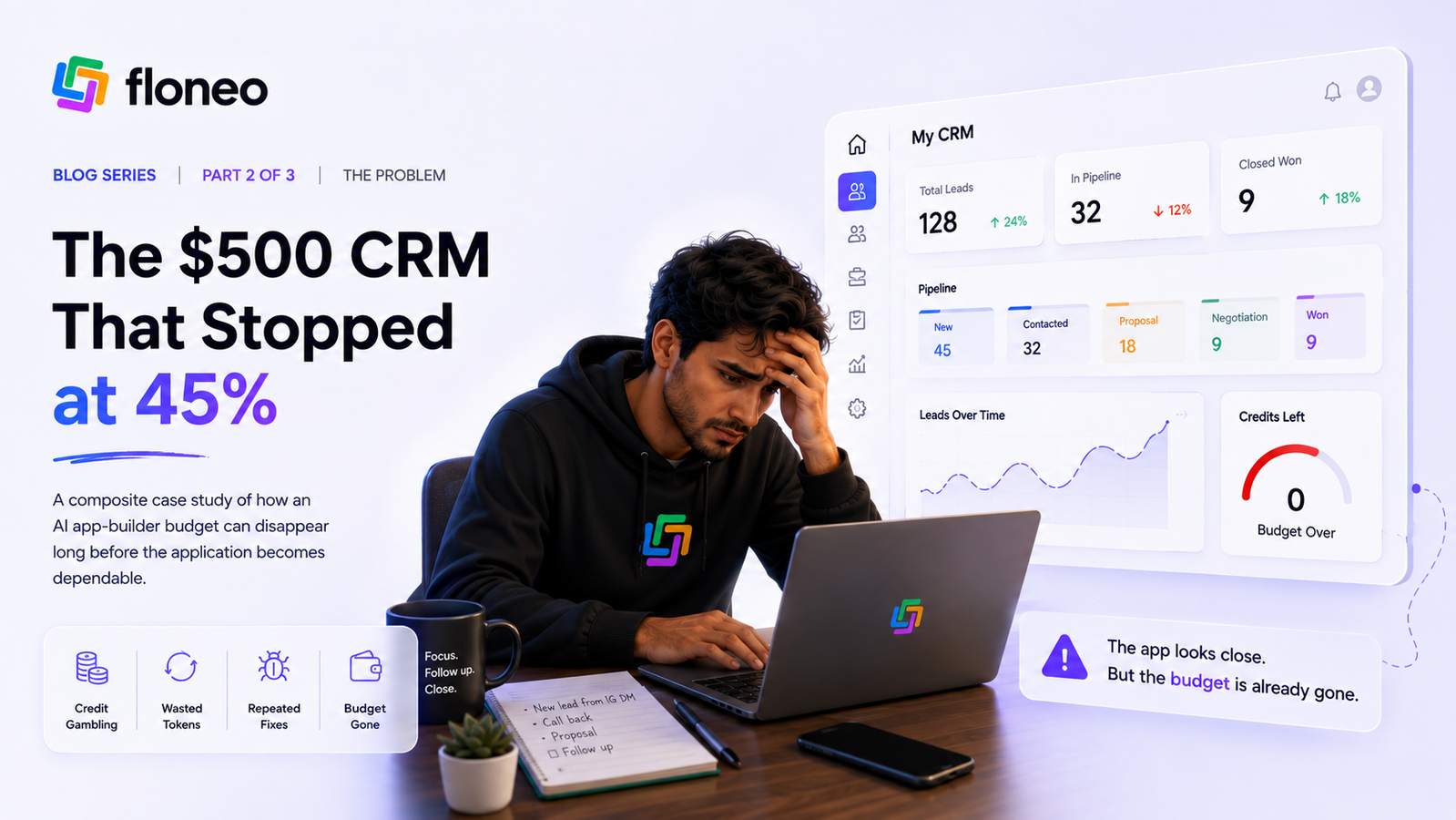
Credits rarely disappear on the first prompt - they go on the fixes. Get a copy-and-paste first prompt and a workflow that keeps AI usage purposeful.
Aayush3 min read
Most AI credits don't disappear on the first prompt. They disappear on the fixes. Here's a workflow - and a prompt - that keeps every AI action purposeful.
Part 2 of 3 - The Practical Workflow
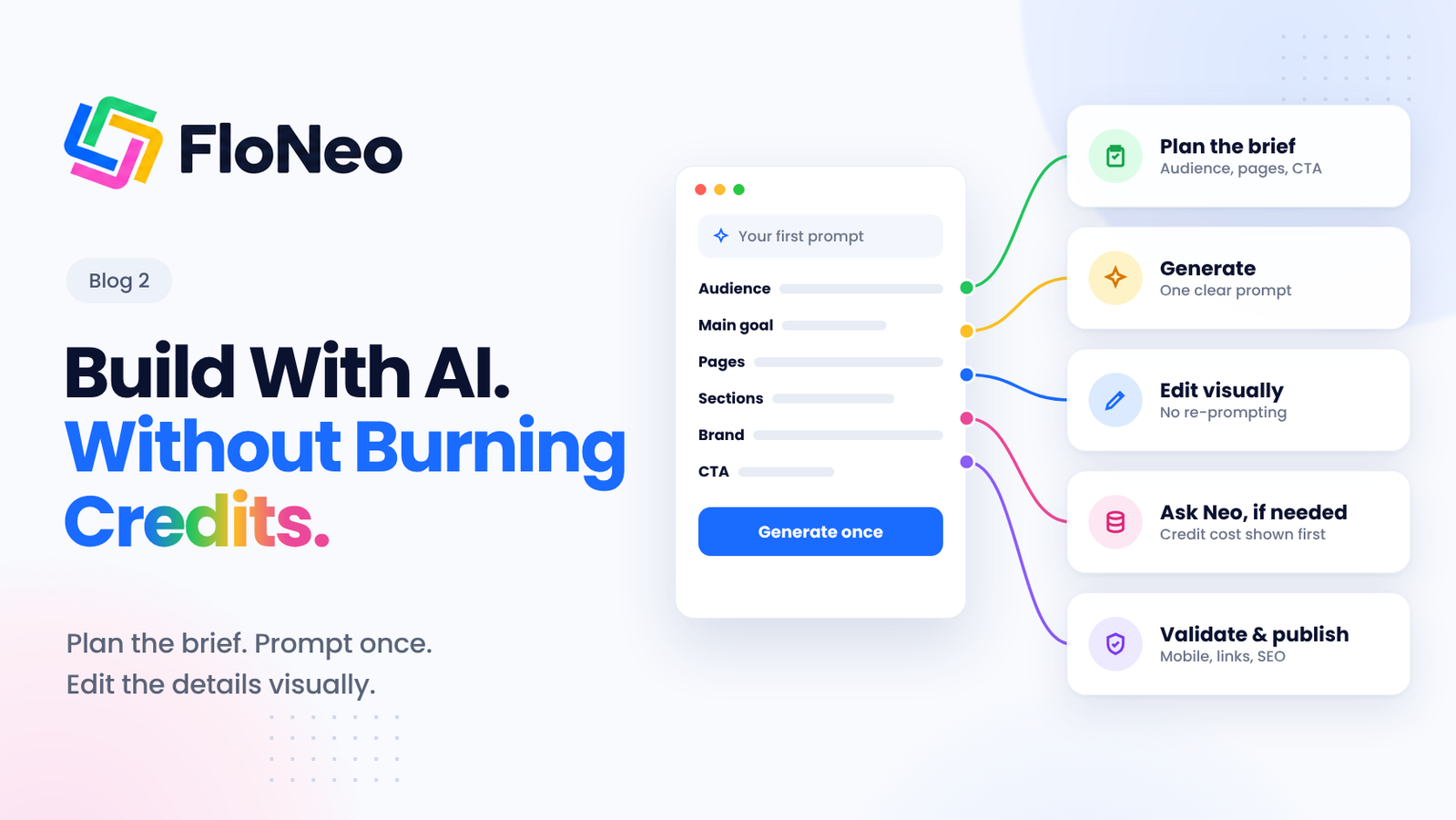
Plan the brief, generate once, refine visually, and bring AI back only when the change genuinely needs reasoning.
Building a website with AI can feel remarkably simple. Describe your idea, generate a design, and watch a website take shape in minutes. But the first draft is rarely the finished product. Headlines need tweaking, images need replacing, spacing feels off, and sections need rearranging.
That is where usage can start adding up.
The problem isn't necessarily that your prompts are too long. AI website builders may need to read project files, understand existing code, generate changes, and sometimes retry when the result isn't right. [1] But the solution to this isn't to stop using AI. It's to use it more deliberately - with Floneo.
Here's how to build a website with Floneo while keeping your workflow efficient, your edits manageable, and your usage under control.
Start With a Clear Plan, Not a Blank Prompt
Before opening FloNeo, decide what your website needs to accomplish. A little preparation can save you from repeatedly rebuilding its structure.
Answer these questions first:
- Audience: Who is the website for?
- Objective: Do you want visitors to book a call, purchase a product, or submit an enquiry?
- Pages: Do you need Home, About, Services, and Contact pages?
- Sections: What should the homepage contain?
- Brand identity: Which colours, fonts, and visual references fit your business?
- Functionality: Do you need a contact form, booking flow, or another feature?
For example, if you're building a website for a photography studio, you might need a portfolio, service packages, testimonials, and a booking CTA. Defining these upfront gives FloNeo a clearer brief to work with.
Generate Your First Draft in FloNeo
FloNeo follows a simple workflow: Describe → Generate → Edit → Own. [2]
You explain what you want in everyday language, and FloNeo turns that intent into a structured starting interface that you can refine visually.
Instead of sending five separate prompts to explain your website, provide the important details together.
Your copy-and-paste first prompt
Build a website for [business name].

Audience: [target audience]
Main goal: [what visitors should do]
Pages: [list the required pages]
Homepage sections: [hero, services, proof, testimonials, FAQ, CTA]
Brand direction: [three to five adjectives, colours, and visual references]
Primary CTA: [desired action]
Required functionality: [forms, bookings, or other requirements]
Mobile experience: Make the website easy to navigate on smaller screens.

Keep the structure clear and consistent. Make individual elements easy to edit visually after generation.
This gives FloNeo the context to create a useful first version. You can then review the result instead of immediately asking it to generate another one.
A clear brief also plays to one of FloNeo's strengths: a 96% expectation-to-reality accuracy. The first version you see is designed to be close to the one you pictured - a draft to refine, not the start of a long chain of corrections.
Inspect the Website Before Making Changes
Once FloNeo generates your website, resist the urge to fix every issue the moment you notice it. Review the entire page first.
Make a quick list of everything you want to change, then divide it into two categories.
| If you need to change... | Your next move |
|---|---|
| A headline or paragraph | Select the text and edit it directly - Yes, Floneo lets you do that. |
| A colour or font size | Use the relevant visual control |
| An image | Replace the asset directly |
| Spacing or element position | Adjust it visually where supported |
| The homepage's information hierarchy | Ask AI to help restructure it |
| A new page for another audience | Describe the new requirement to AI |
Refine Visually Instead of Re-Prompting
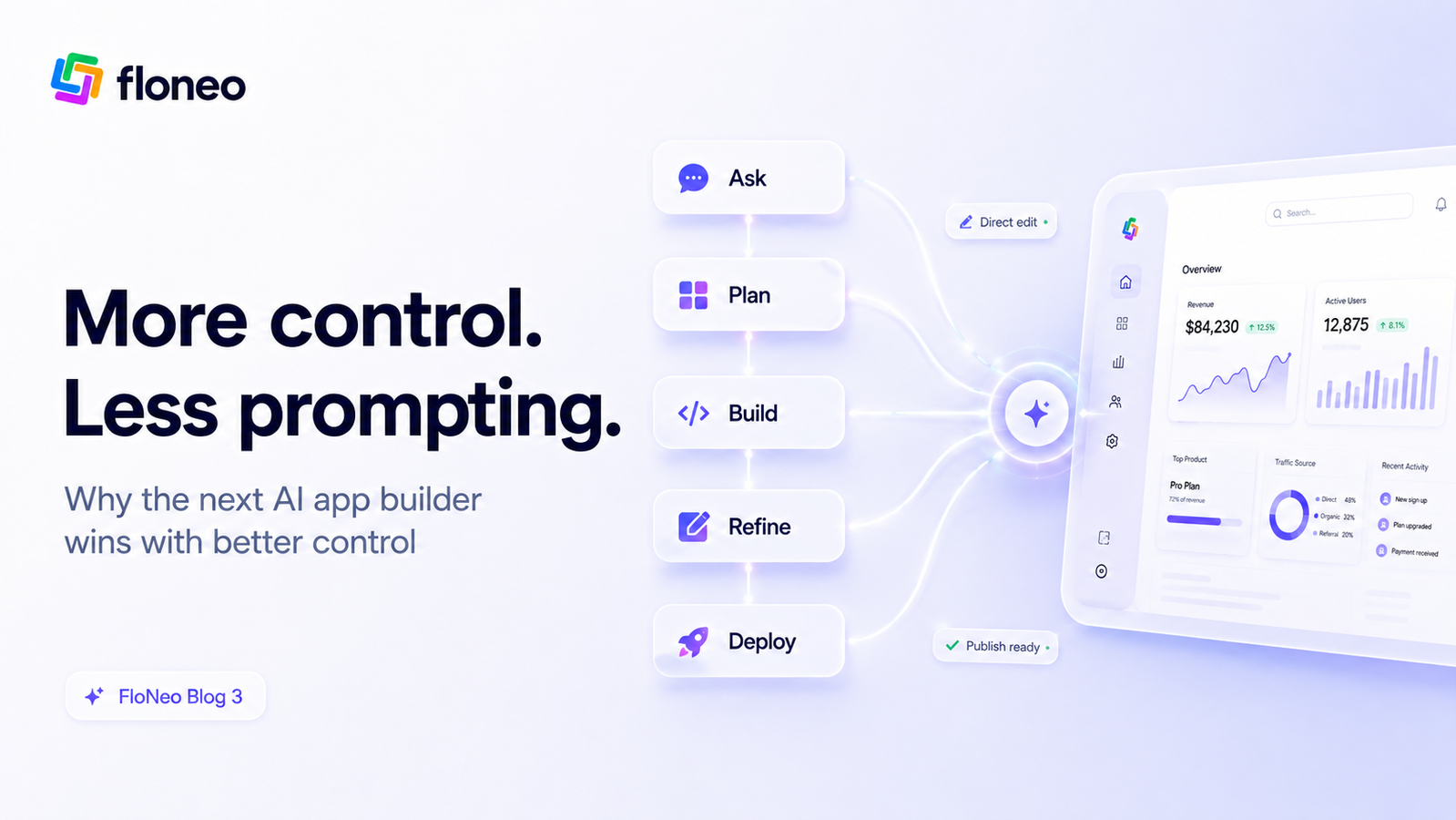
This is where FloNeo's Low Token No Code (LTNC) philosophy comes into play.
Once the first draft is ready, use FloNeo's visual editing workflow to select an element and make supported changes directly on the canvas. You can refine text, spacing, colours, size, and position without turning every adjustment into a new generation request. [2]
Imagine you're building a landing page for a consulting business. The website is structurally sound, but the headline needs to be shorter, the CTA colour needs to match your brand, and a section needs better spacing.
Instead of sending three separate instructions to AI, make those known changes directly through visual controls.
The principle is straightforward: prompt the idea; edit the details.
This is how to build a website with AI without making every small refinement another reasoning task. Direct editing is intended to reduce unnecessary AI usage; actual consumption depends on the operation being performed.
And when an operation does need AI, you're not left guessing. FloNeo shows the expected credit cost before the action runs, and you can review the credits used afterwards - so you always know what a change will cost before you commit to it. [2]
Bring AI Back When the Change Needs Reasoning
Sometimes, you know exactly what needs changing. Other times, you know what you want your website to achieve, but you're unsure how to get there. That's where Ask Neo comes in.
Ask Neo is FloNeo's AI co-builder. Instead of treating every request as an isolated prompt, it works with your project context to help you understand the change you want to make and how it affects your website.
Imagine you want your landing page to appeal to two different audiences without losing its existing visual identity.
You could spend multiple prompts explaining the changes, correcting the output, and trying to preserve what already works. Or you could explain your intended outcome to Ask Neo and work through the change with it.
Ask Neo can help interpret your intent, identify the affected parts of your project, and help you work towards the desired result. You remain in control of the process.
The distinction is simple:
- Know exactly what to change? Use direct visual editing.
- Know what you want to achieve, but not how? Ask Neo to help you work through it.
- Need a larger change? Collaborate with Ask Neo rather than treating every adjustment as a separate, disconnected prompt.
This is how FloNeo's Low Token No Code philosophy comes together. Visual editing avoids unnecessary AI intervention for known changes, while Ask Neo helps you use AI when interpretation and reasoning genuinely matter.
The goal isn't to eliminate AI from website building. It's to make every interaction with it more purposeful.
Check Everything Before Publishing
A finished-looking website isn't necessarily ready to go live. Before publishing, work through this checklist:
- Mobile: Check navigation, text, buttons, and layout on smaller screens.
- Links: Test internal navigation and external links.
- Forms: Submit a test enquiry and verify the expected result.
- SEO: Add descriptive page titles and meta descriptions.
- Search readiness: Ensure important public pages are accessible to search engines and contain indexable content. Google's technical requirements explain the basics. [3]
- Branding: Add a favicon and social-sharing image.
Remember that meeting Google's technical requirements makes a page eligible for indexing; it doesn't guarantee that Google will index it.
AI Builds It, You Control It
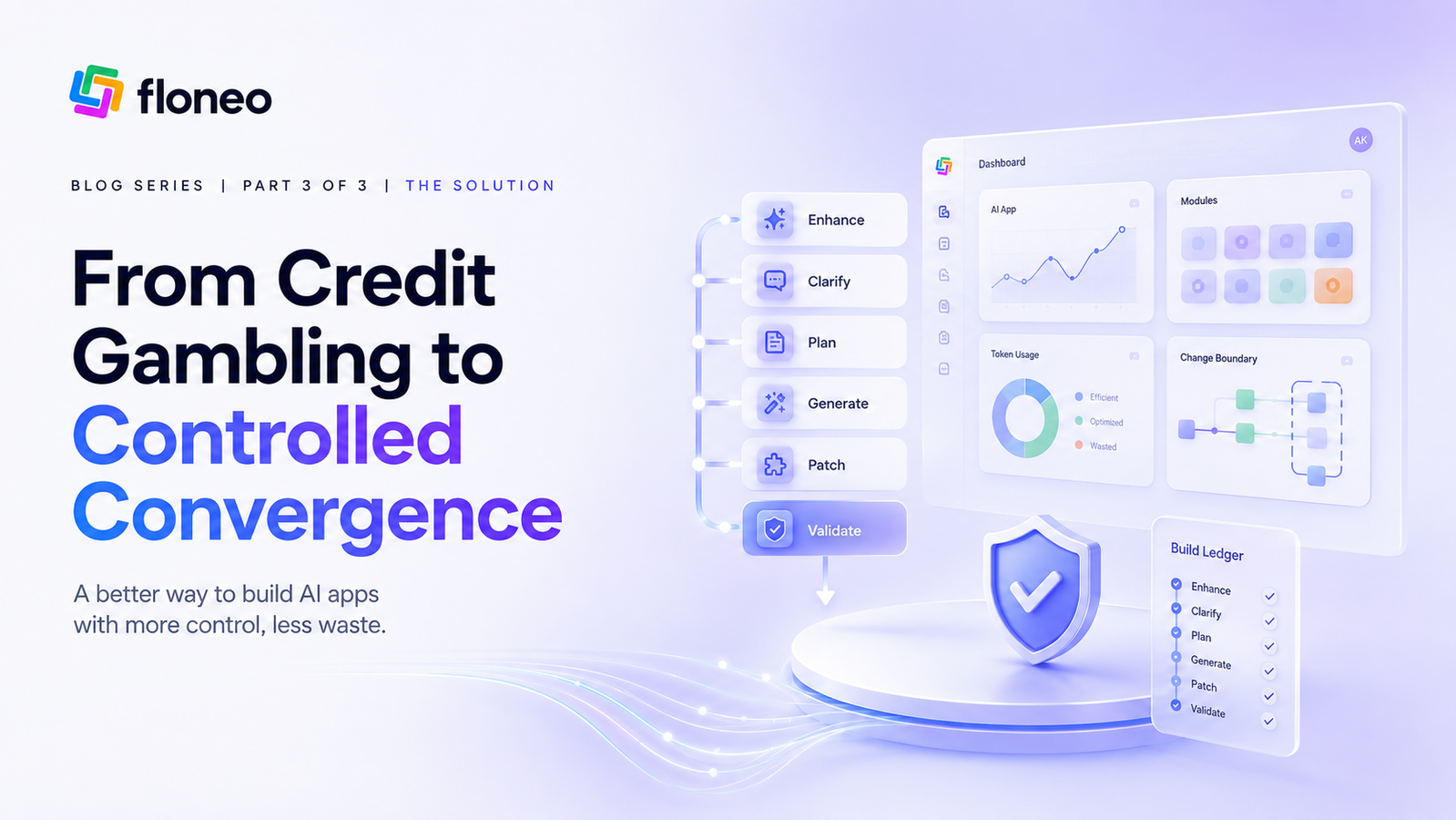
The most efficient way to build a website with AI isn't to write endless prompts or avoid AI altogether. It's to follow a workflow that gives every action a purpose.
Describe → Generate → Inspect → Edit Visually → Ask AI When Needed → Validate.
That's the thinking behind FloNeo's Low Token No Code approach: AI gets you to version one, and visual control helps you make it yours.
FloNeo launches on 1 November 2026, bringing this approach to people who want to build websites without coding and retain control after generation.
Join the FloNeo waitlist for free and get early access.
Previous in the Series
Part 1: FloNeo vs Lovable, Bolt, Wix, Framer & ChatGPT: What Makes Us So Different
Part 1 compares how today's AI website builders handle refinement, usage and control - and where FloNeo's Low Token No Code approach fits.
Editorial note: Replace this placeholder with the live Part 1 URL after publication.
Next in the Series
Part 3: How to Edit an AI-Generated Website Without Re-Prompting with Floneo
Part 3 walks through editing a generated page step by step: headlines, colours, size, spacing, and when a prompt is still the right tool.
Editorial note: Replace this placeholder with the live Part 3 URL after publication.
References
- Bolt. Tokens.
- FloNeo. FloNeo - Describe, Generate, Edit, Own.
- Google Search Central. Google Search technical requirements.
- FloNeo. How FloNeo's 4-Layer Architecture Makes AI Prototyping Ultra-Affordable.