
After the Prompt: 7 Controls Every AI-Built App Should Give You
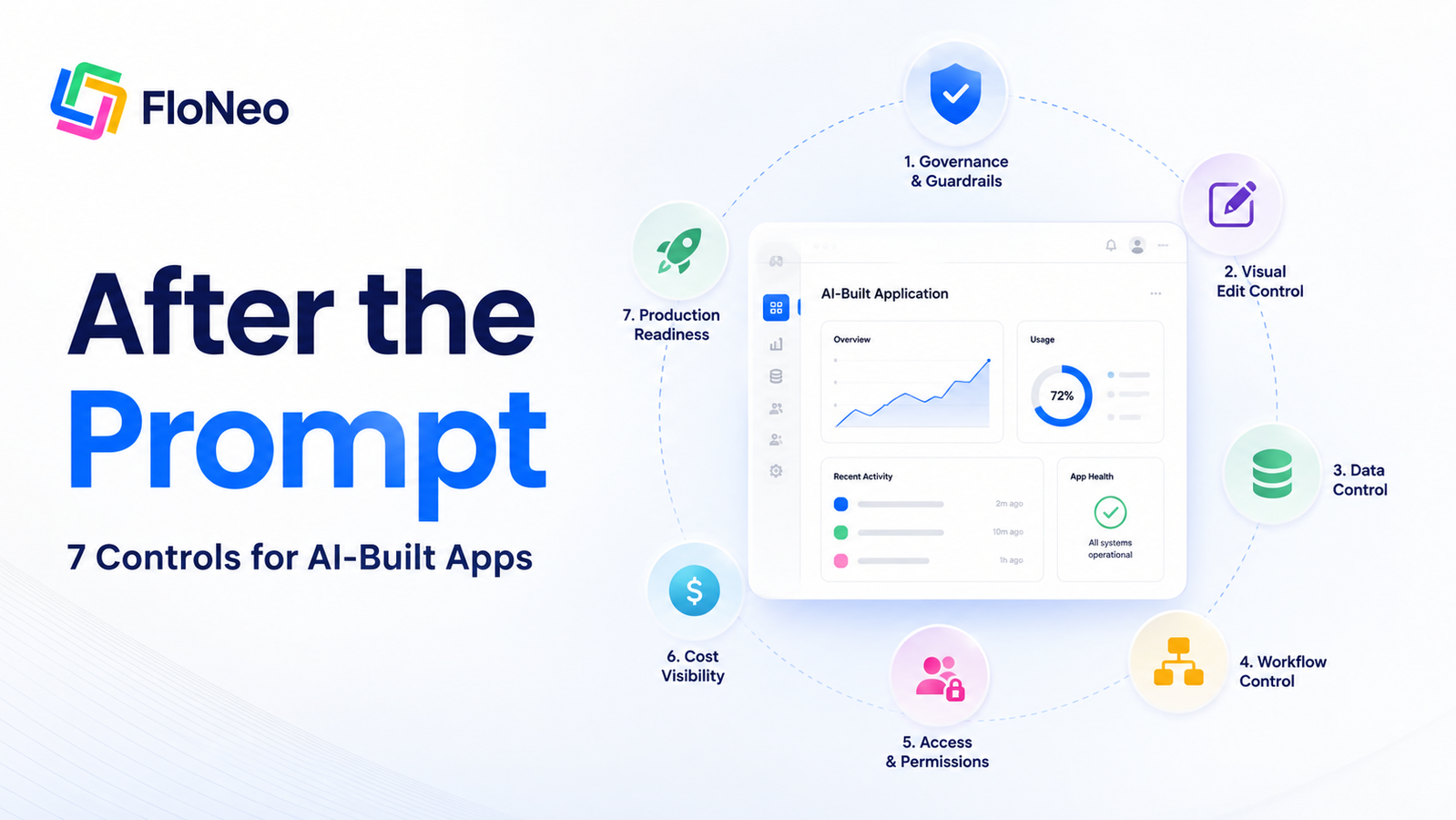
A prompt can create software. These seven controls determine whether you can understand, change, govern, and actually own what AI created.
Aayush4 min read
A prompt can create software. It should not own the software.
Part 3 of 3 - The Control Checklist
Part 1 asked whether vibe-coded software can meet the enterprise standard. Part 2 looked at a new form of lock-in: depending on the AI layer to understand your own application. This final article turns those problems into seven practical controls every AI app builder should provide.
What happens after the first prompt?
AI app builders are moving from code generation to complete application generation.
A user can describe an idea and get:
- an interface;
- a database;
- workflows;
- application logic.
That is becoming the baseline.
The more important questions now begin after the first generation.
Can you change what AI created without asking AI to change it again?
Can you see how your data is structured?
Can you understand what a workflow is doing?
Can you control who gets access?
Can you know how much an AI action will cost before you run it?
These are not nice-to-have features.
They determine whether an AI-built application remains a prototype or becomes software an organisation can understand and operate.
This is where AI app builder control becomes important.
1. An approved plan before the app gets built
The first control should exist before generation.
AI can interpret a prompt in multiple ways.
A vague instruction can produce an application that looks right while behaving differently from what the user intended.
An AI app builder should therefore show the important structure before the main build begins.
What pages will exist?
What data will be stored?
What workflows will be created?
What actions will users be able to perform?
The purpose is not to hand a non-technical user a giant specification.
It is to give them one important checkpoint:
"Yes. That's what I meant."
before AI turns an idea into an application.
2. Direct visual editing
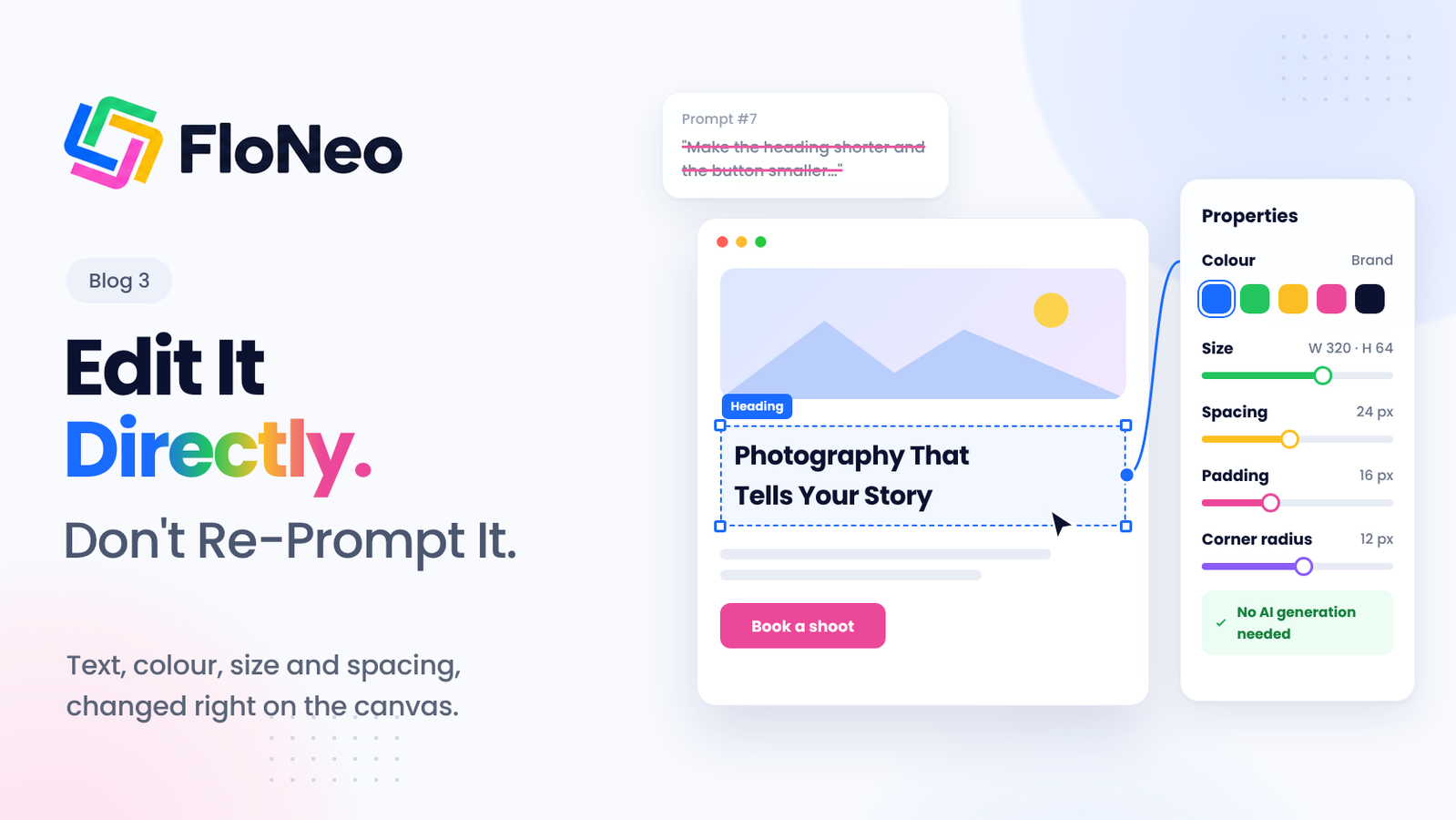
Once an application exists, the user should not have to return to the prompt box for every obvious change.
Want to move a button?
Change some text?
Adjust spacing?
Modify a field?
Resize a component?
The AI app builder should let the user edit supported properties directly.
This is one of the clearest differences between generating software and building software.
If every change requires another AI instruction, the user is still dependent on the model to operate their own application.
Direct visual editing puts the human back in the loop.
AI handles the heavy lifting.
The user should still be able to reach in and make the change.
This is also the practical logic behind FloNeo's LTNC - Low Token No Code approach:
Do not spend AI on work the user can control directly.
3. Direct database control
The interface is only one part of an application.
Underneath it sits the data.
If users cannot understand or control that data, they do not fully control the application.
An AI app builder should make it possible to see:
- what data exists;
- how it is structured;
- what fields are being used;
- how records can be managed; and
- how the application interacts with that information.
This becomes increasingly important when the application moves beyond a prototype.
A dashboard with fake data can look perfect.
A business application handling real customer, employee, financial, or operational information needs something more fundamental:
Visibility into the system underneath the screen.
FloNeo's visual database direction follows the same principle explored in the previous database-management series:
AI can help generate the database. Routine database control should not automatically require another AI prompt.
4. Workflow visibility
An application is not only a collection of screens.
It is a collection of actions and rules.
When someone submits a form, what happens?
Does it:
- create a record;
- send a notification;
- trigger another workflow;
- change a status;
- update another table;
- give another user access?
AI can create these processes quickly.
Speed should not come at the cost of visibility.
Users should be able to understand the workflows powering their application and see how different actions connect.
A good-looking final screen is not proof that an invisible workflow is doing the right thing.
5. Permission and governance controls
Not everyone should be able to do everything.
An employee may be able to view a customer record but not edit it.
A manager may approve a request another employee can only submit.
An administrator may have access to information that other users should never see.
AI-built applications still need those boundaries.
That means users need control over:
- roles;
- permissions;
- access;
- approval boundaries.
And as agents become more capable, governance has to include the AI itself.
What can AI change?
What can it access?
What requires human approval?
What is outside its allowed scope?
The more autonomous AI becomes, the more important those boundaries become.
NIST's AI risk guidance treats governance, verification, validation, deployment, and monitoring as lifecycle concerns rather than optional finishing steps. [1]
6. Token and cost visibility
AI can make software development faster.
It does not make intelligence free.
If the application builder uses AI to generate, modify, reason, or process information, users should know what that intelligence costs.
A useful AI app builder should answer two questions:
Before the action
What will this action likely consume?
After the action
What did it actually consume?
That turns AI usage from a mysterious background process into something users can manage.
It also encourages a better rule:
Use intelligence where it adds value. Do not use AI simply because it is available.
For businesses building at scale, the difference matters.
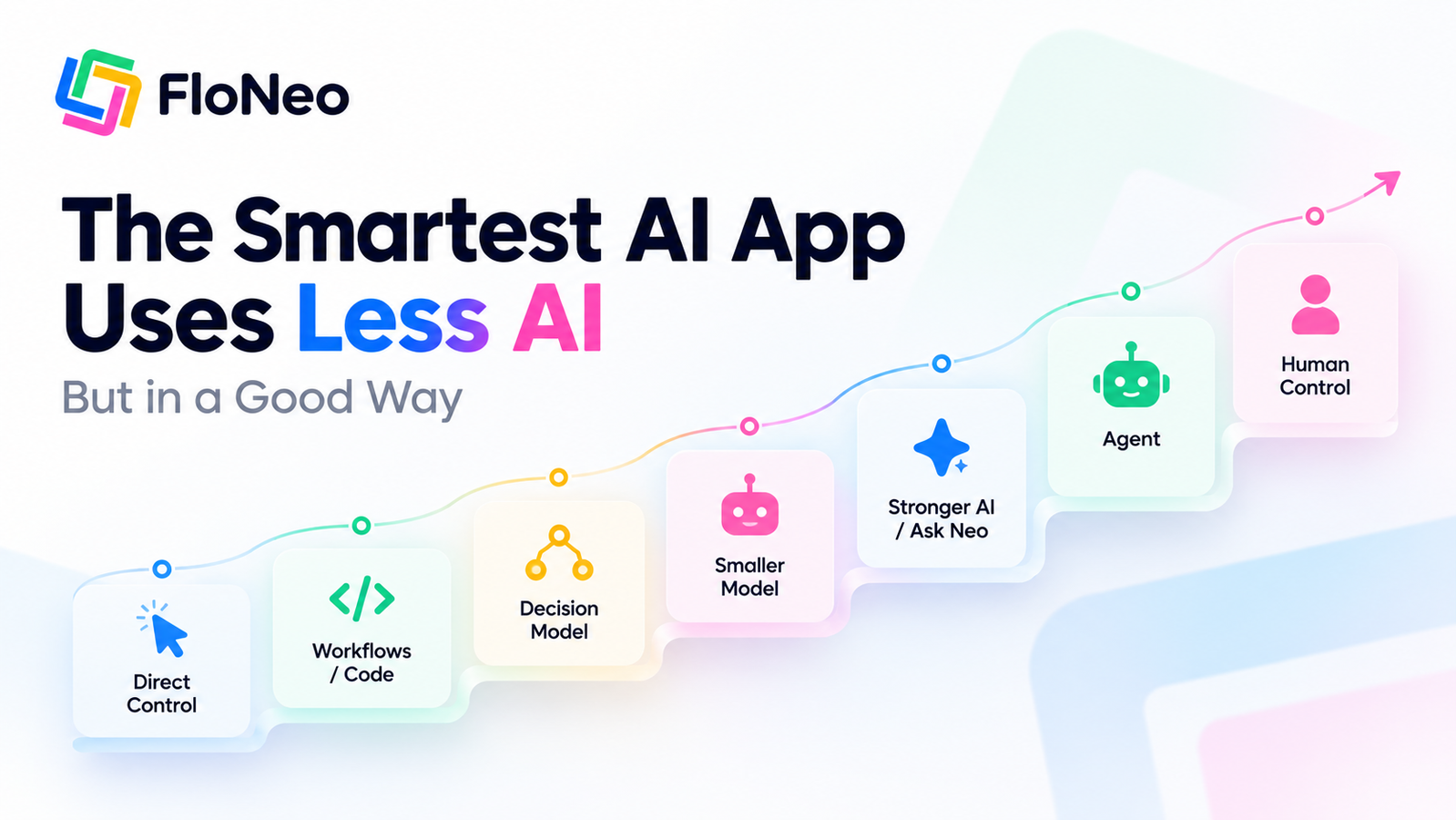
This is the thinking behind FloNeo's Token Insurance principle: smaller context, modular changes, model routing, preflight estimates, credit visibility, and validation should reduce unnecessary AI work.
7. Readiness and publish status
There is one final control that is easy to overlook.
Is the application actually ready?
An application can look finished without being ready for real users.
The interface may be complete while permissions are unfinished.
The workflow may work in a demonstration but fail in a real scenario.
The database may exist while important configuration is missing.
The product may look polished while deployment or production checks remain unresolved.
An AI app builder should make the distinction visible.
There is a difference between:
"The app looks complete."
and:
"The app is ready to be used."
Users need to know which one they are looking at.
The new standard for AI app builders
The first generation of AI app builders competed heavily on one question:
How quickly can you generate an application?
That question is becoming less interesting as generation improves across the market.
The more important questions are:
- How much can you control?
- How much can you understand?
- How much can you change yourself?
- How clearly can you see what AI is doing?
- What can the AI access?
- What will it cost?
- Who owns the application after AI has built it?
That is where FloNeo's approach becomes relevant.
FloNeo is being built around the idea that AI should help create the first version while the user retains control over what comes next.
Direct visual editing reduces the need to send every small change back through a prompt.
Structured application elements provide visibility beyond the generated interface.
Database and workflow controls make the underlying application more accessible.
AI-usage visibility makes intelligence more measurable.
The philosophy is simple:
AI can accelerate creation. It should not remove control.
From prompt to ownership
Vibe coding made it possible for almost anyone to say:
"Build me this."
The next generation of AI app builders should make it possible for the same user to say:
"I built this. I understand it. I can change it. I can control it."
That is the difference between an AI-generated application and an application the user can genuinely operate.
As AI moves deeper into software development, AI app builder control may become just as important as AI app builder speed.
Because the best AI-built application is not necessarily the one that took the fewest prompts to create.
It is the one where, after the prompt is gone, the human is still in control.
The 7-control checklist
| Control | The question it should answer |
|---|---|
| 1. Approved plan | Do I know what AI is about to build before the main generation begins? |
| 2. Direct visual editing | Can I change obvious UI properties without asking AI again? |
| 3. Direct database control | Can I see and manage the data underneath the application? |
| 4. Workflow visibility | Can I understand what happens when users trigger actions? |
| 5. Permissions and governance | Can I define what users - and AI - are allowed to access or change? |
| 6. Token and cost visibility | Can I see expected and actual AI usage? |
| 7. Readiness and publish status | Can I distinguish a polished preview from an application ready for real use? |
Series complete
| Part | Article | What it establishes |
|---|---|---|
| 1 - Enterprise Test | Vibe Coding Is Coming for Enterprise Software. But Can It Survive an Audit? | AI-built software will be judged by governance, auditability, permissions, readiness, and trust. |
| 2 - Ownership Problem | The New Lock-In Isn't Code. It's the AI Layer Around Your App. | Dependency can spread from code into the model, agent, repository, context, and software lifecycle. |
| 3 - Control Checklist | After the Prompt: 7 Controls Every AI-Built App Should Give You | A practical framework for keeping the human in control after generation. |
FloNeo's earlier article, How FloNeo's 4-Layer Architecture Makes AI Prototyping Ultra-Affordable, explains the architectural side of the same philosophy.